Chapter 1. Before Docker Became Docker
Docker did not invent the basic idea of containers. Linux already had technologies that could isolate processes and control how much CPU, memory, and other resources they used. The problem was that these capabilities were difficult for most developers to use as one practical workflow. Docker began as an internal project at dotCloud, a platform-as-a-service company founded by Solomon Hykes together with Kamel Founadi and Sebastien Pahl. On March 15, 2013, Hykes publicly demonstrated Docker at PyCon. The problem he wanted to solve was simple to say but difficult to handle: shipping an application from a developer's computer to a server was hard. The project made existing container technology easier to build, package, share, and run. Docker became so popular that dotCloud later renamed itself Docker, Inc. Its major contribution was not creating isolation from nothing, but turning it into an approachable and repeatable tool for everyday software development.
Chapter 2. The Problem Behind "It Works on My Machine"
Imagine that you bake a cake successfully in your own kitchen and then give only the recipe to a friend. Your friend has a different oven, a different mixer, and slightly different ingredients. They follow the same instructions, but the result is not the same. Applications have a similar problem. A program may depend on a particular PHP, Node.js, Python, database, or system-library version. It works on the developer's laptop because that laptop already has the right environment. When the application moves to another computer or a production server, one missing or incompatible dependency can break it. Docker helps by packaging the application together with the files, runtime, libraries, and configuration it expects. The new machine still needs a compatible container runtime, but it no longer needs every application dependency installed and arranged manually in exactly the same way.
Chapter 3. Think of a Standard Shipping Container
Before standardized shipping containers, goods came in many shapes and required different handling at every port. A standardized metal container changed that. A ship, train, or truck does not need to understand every item inside; it only needs to know how to move the container. A Docker container follows the same idea for software. The server does not need a custom installation process for every application. Docker gives it a consistent way to start, stop, connect, and remove the packaged workload. Inside that package, the application gets the environment it expects. This does not mean a container is a complete computer. It is an isolated process running on a host machine. The isolation gives the application its own view of files, processes, and networking, while the host still supplies the operating-system kernel underneath.
Chapter 4. Dockerfile, Image, and Container
Three words appear repeatedly when learning Docker: Dockerfile, image, and container. The easiest way to understand them is through a cooking analogy. A Dockerfile is the recipe that lists the steps for preparing the environment, from choosing a base and installing what is needed to copying the application files and defining what should run. An image is the prepared, sealed package produced from that recipe. It is a read-only template containing the application and what it needs to run, so changing the recipe produces a new image instead of secretly altering the old one. A container is a running instance of that image. If an image is the prepared package, the container is what happens when the package is opened and put to work. One image can start several separate containers, just as the same recipe can produce several consistent servings.
Chapter 5. Docker Is Not the Same as a Virtual Machine
A virtual machine, or VM, includes a complete guest operating system with its own kernel. A container usually carries only the application and the user-space files it needs while sharing the host machine's kernel. Think of a VM as renting an entire house with its own foundation, utilities, rooms, and rules. A container is closer to renting a private room inside a well-managed building. Each room is separated and can be arranged differently, but the rooms still share the same building underneath. Because containers do not need to start a complete operating system for every application, they are usually smaller and faster to start than VMs. However, they are not replacements for every VM. Many production systems actually run Docker containers inside a VM or VPS, combining machine-level separation with convenient application packaging.
Chapter 6. From Image Library to Running Application
Docker images can be stored in a registry, which works like a library or warehouse for versioned application packages. Docker Hub is the best-known public example, while teams can also use private registries for internal images. A developer builds an image, gives it a name and version, and then pushes it to a registry. A laptop, testing machine, or production server can pull that same version and start it as a container. This creates a clear path from build to deployment without repeating a long list of manual installation steps on every machine. For an application made of several services, Docker Compose can describe how the pieces run together. A web application, database, and gateway can each have their own container while Compose records their networks, storage, ports, and startup configuration in one file.
Chapter 7. What Happens to Data and Connections?
Containers are designed to be replaceable, which is useful for deployment but also means important data should not live only inside a container's temporary writable layer. A Docker volume is the usual place for data that must survive when a container is recreated. Think of the container as a hotel room and the volume as a secure storage locker that remains available even when the guest changes. Containers also need a controlled way to communicate, so Docker networks let one container reach another without exposing every service directly to the public internet. Ports act like assigned doors: only the doors that need outside traffic are opened. Configuration and secrets are separate concerns as well. Environment variables or a secret-management system can provide values at runtime, so passwords and environment-specific settings do not have to be baked permanently into the image.
Chapter 8. A Simple Real-World Example: WAHA on a VPS
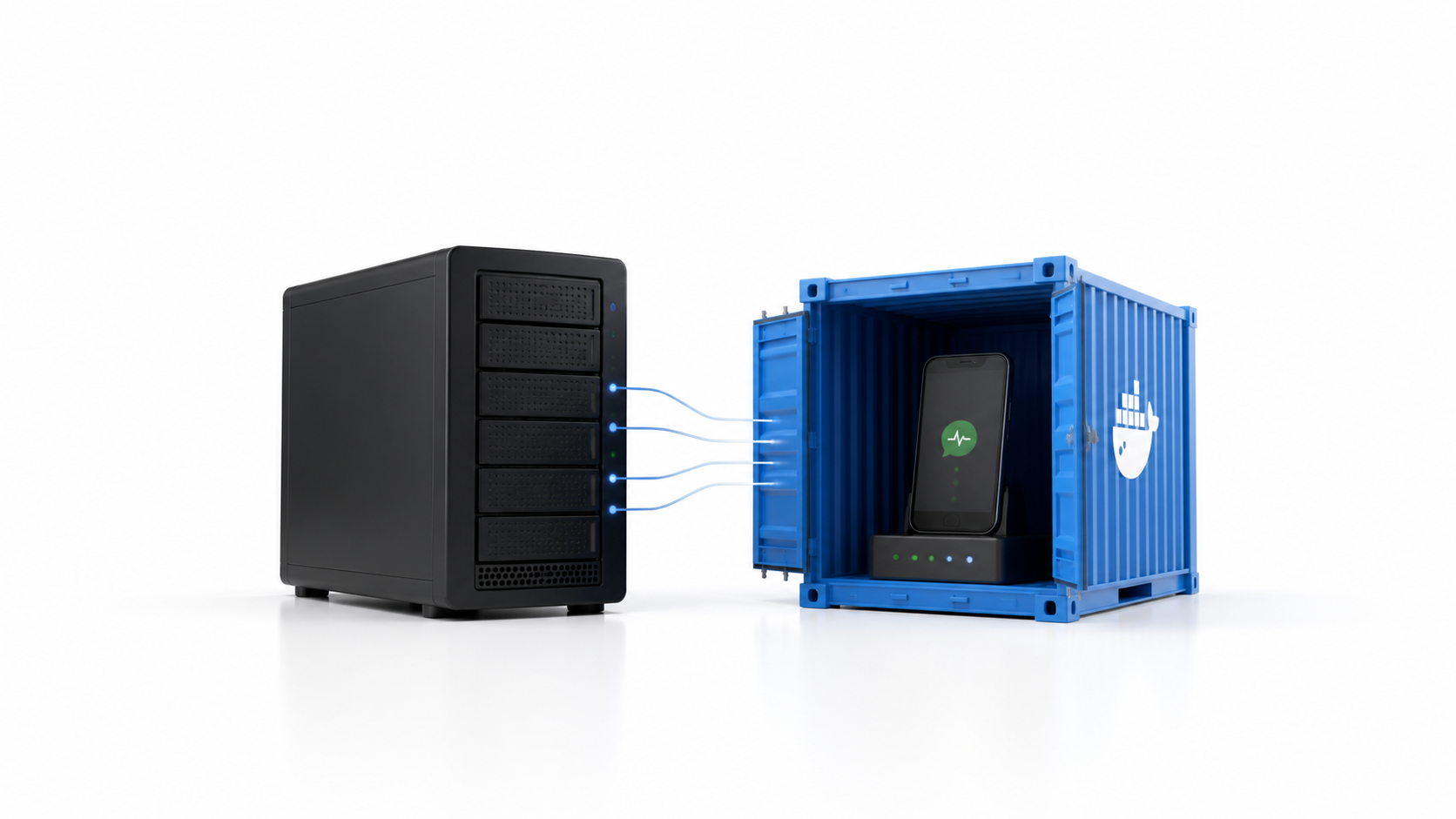
In a WhatsApp reminder system, a VPS can be imagined as the building and WAHA as a specialized service placed inside its own Docker container. The image defines the WAHA version and the environment it expects, while the running container exposes only the connection needed by the surrounding application. This boundary makes the service easier to operate because WAHA can be started, stopped, inspected, restarted, or upgraded without manually rebuilding its environment each time. The surrounding application can continue to focus on reminder rules and delivery records while the container focuses on running the gateway consistently. Docker is only one part of that system. It does not decide when a reminder is due, schedule a recurring job, confirm consent, or guarantee that a message is delivered. Those responsibilities still belong to the application, worker, database, and provider acknowledgment flow. Docker simply gives the gateway a controlled place to run.
Chapter 9. When Docker Helps and What It Does Not Solve
Docker becomes especially useful when an application has specific dependencies, several services, multiple developers, or a path from local development to testing and production. It also helps when a service must be updated or replaced without manually reconstructing its environment. Not every project needs it, and a small static website may be simpler to host without containers. Docker also does not repair bad code, design a secure network, create backups, monitor failures, or automatically scale an application. A poorly configured container is still poorly configured software. There is a learning and maintenance cost too because teams still need to understand images, networks, volumes, permissions, updates, logs, and resource limits. Docker removes a class of environment problems; it does not remove the need to understand the system being operated.
Chapter 10. The Simplest Way to Remember Docker
Docker is a practical way to package an application and run it inside a consistent, isolated environment. The Dockerfile describes how to prepare the package, the image is the reusable template, and the container is the running instance. The most important benefit is predictability. Instead of preparing every machine by hand and hoping nothing was missed, a team prepares the application environment once and reuses the same package across compatible machines. If the terminology still feels unfamiliar, remember the shipping analogy: the application is the cargo, the image is the sealed standard package, the container is that package in operation, and Docker is the system that knows how to handle it. That simple idea is what made container technology practical for so many developers.